Skip to content

Coming soon to iOS & Android

Turn your toys into movies.

Bring LEGO adventures, clay characters, and your favorite toys to life. Capture one frame at a time, then watch your imagination move.
  • No account
  • No subscription
  • No ads
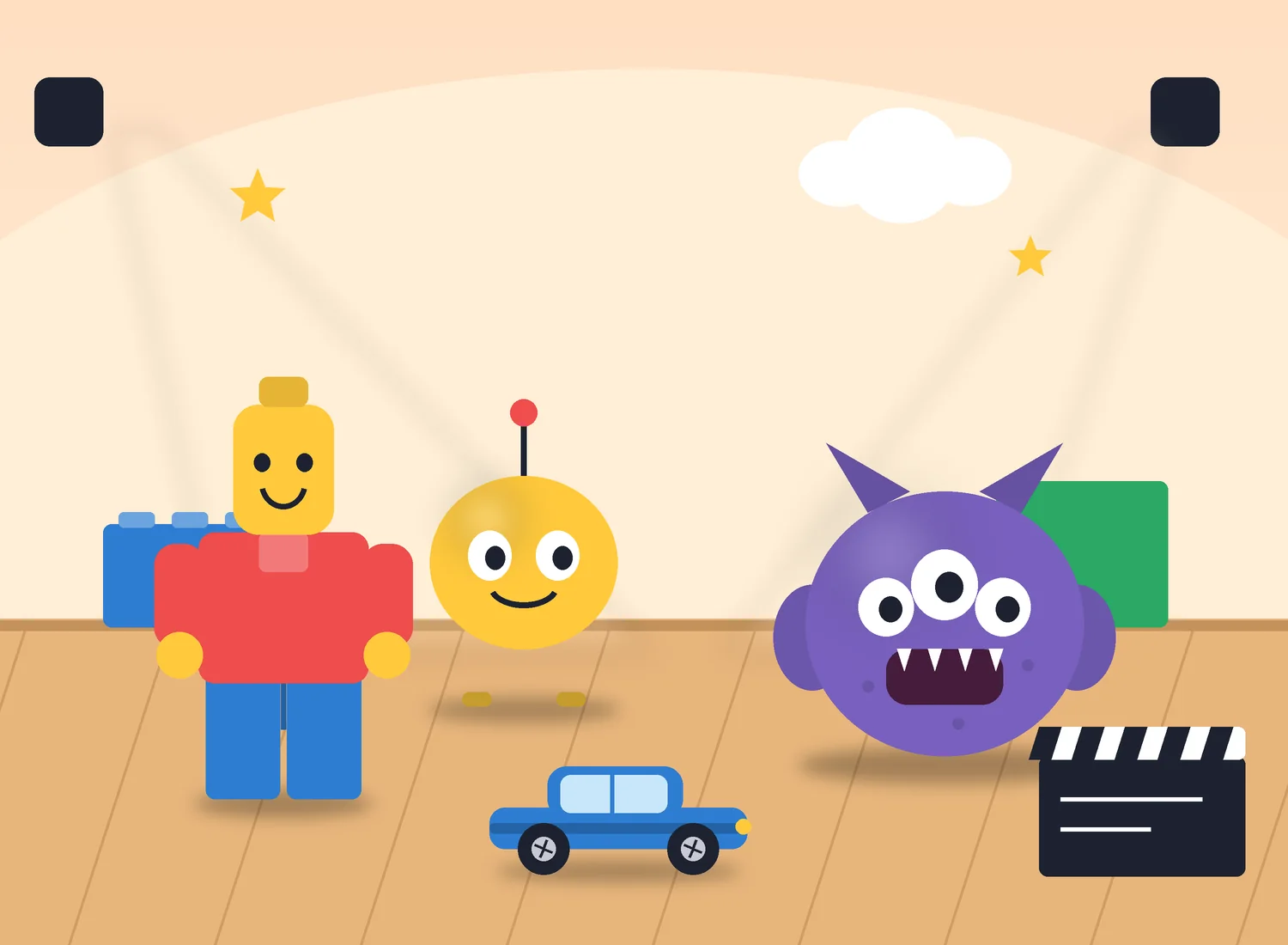
Illustrated miniature film set with a brick-style figure, a round yellow robot toy, a purple three-eyed clay monster, a toy car and a clapperboard under studio lightsIllustration
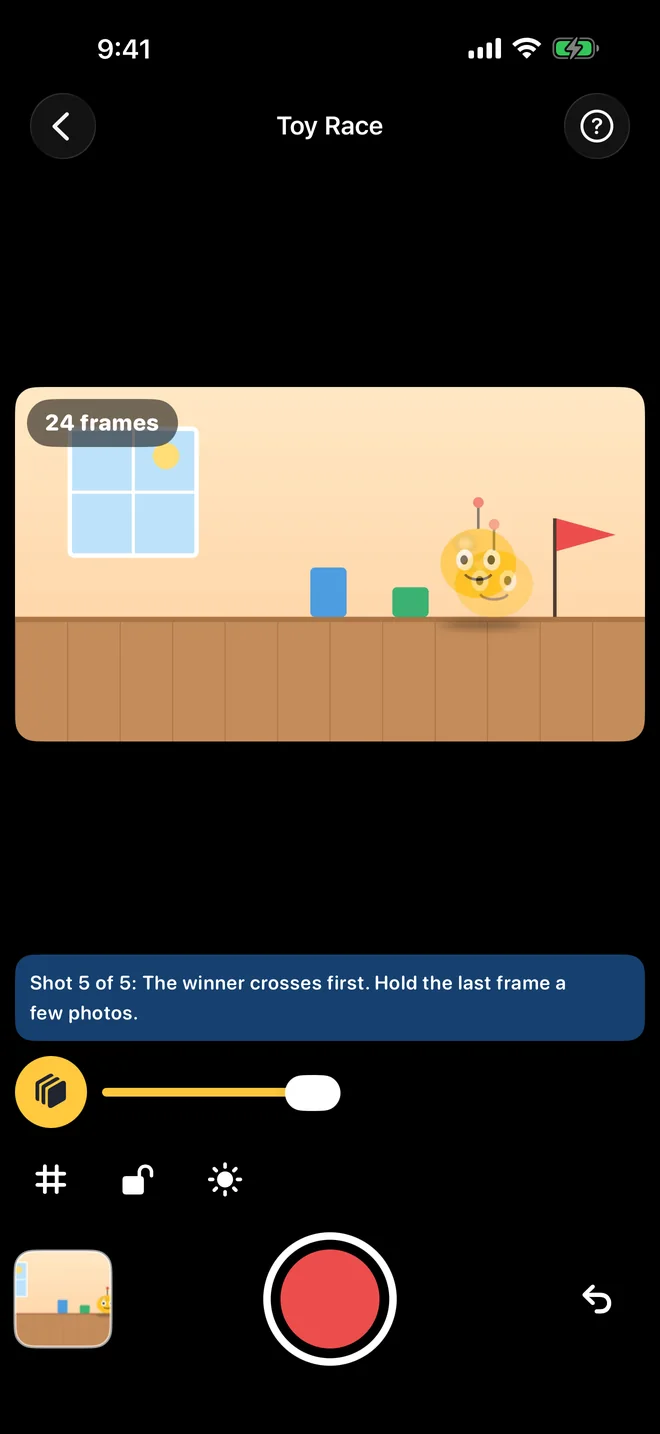
Stop Motion Maker capture screen: the live view of a toy scene with a faded onion-skin ghost of the previous frame, a frame counter and the shutter button
Illustrated miniature set. The phone shows the real capture screen from the current app build.

What will you make?

Big stories start with little movements.

Any toy, any table, any rainy afternoon. These are ideas to get you started.

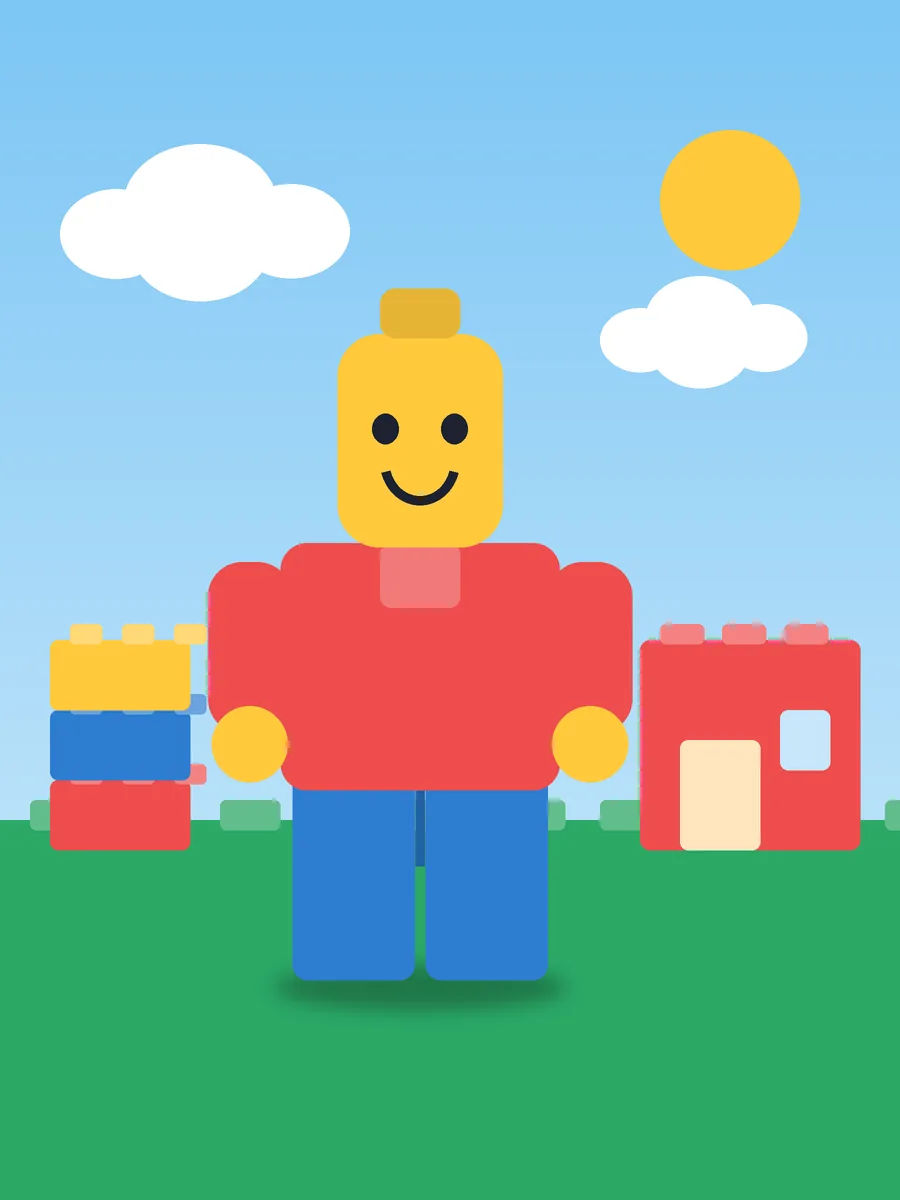
  • Illustrated poster: a yellow-headed brick-style figure in a red top standing on a green baseplate beside a stack of colorful bricks

    Now showing

    LEGO Adventures

    Send a brick hero on a quest across the baseplate.
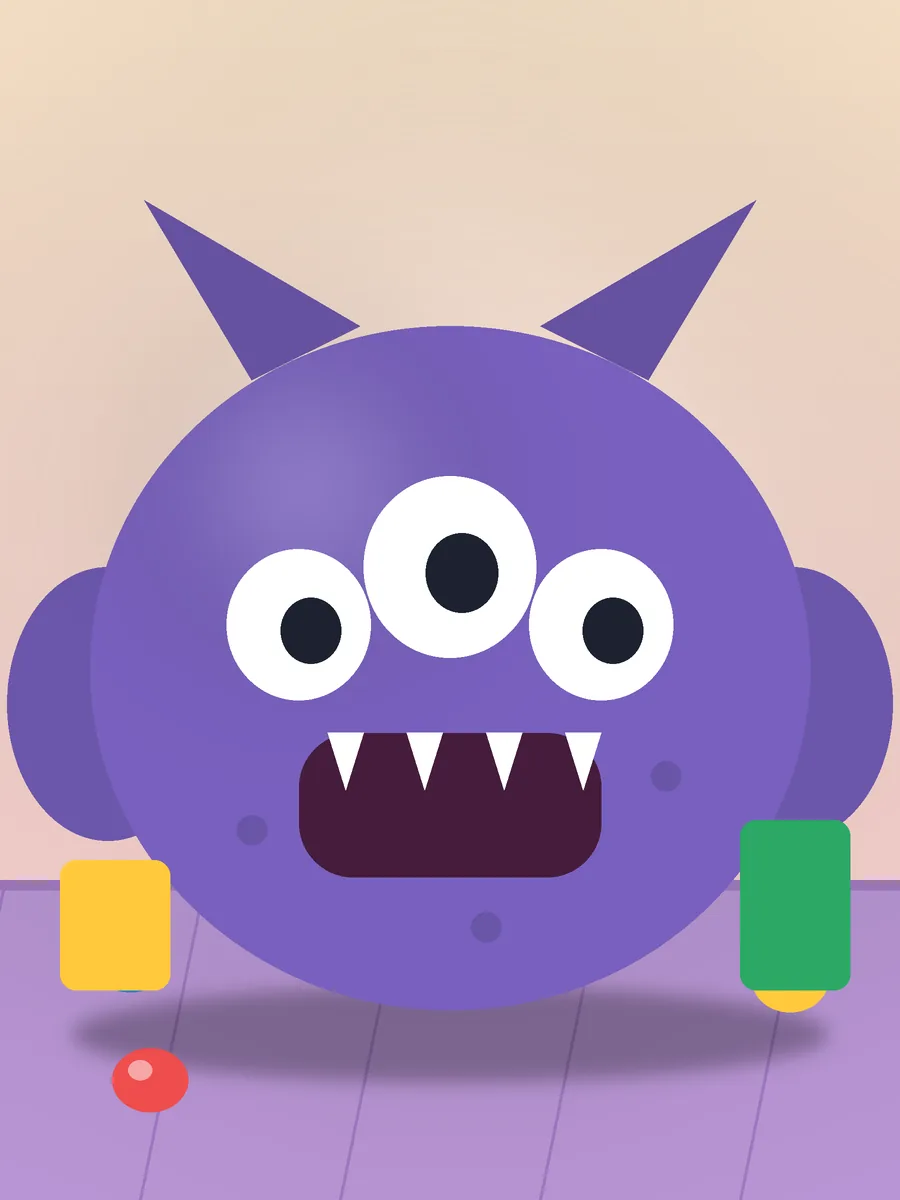
  • Illustrated poster: a purple three-eyed clay monster with horns and teeth on a lilac floor

    Now showing

    Clay Characters

    Squish, stretch and wiggle a monster into life.
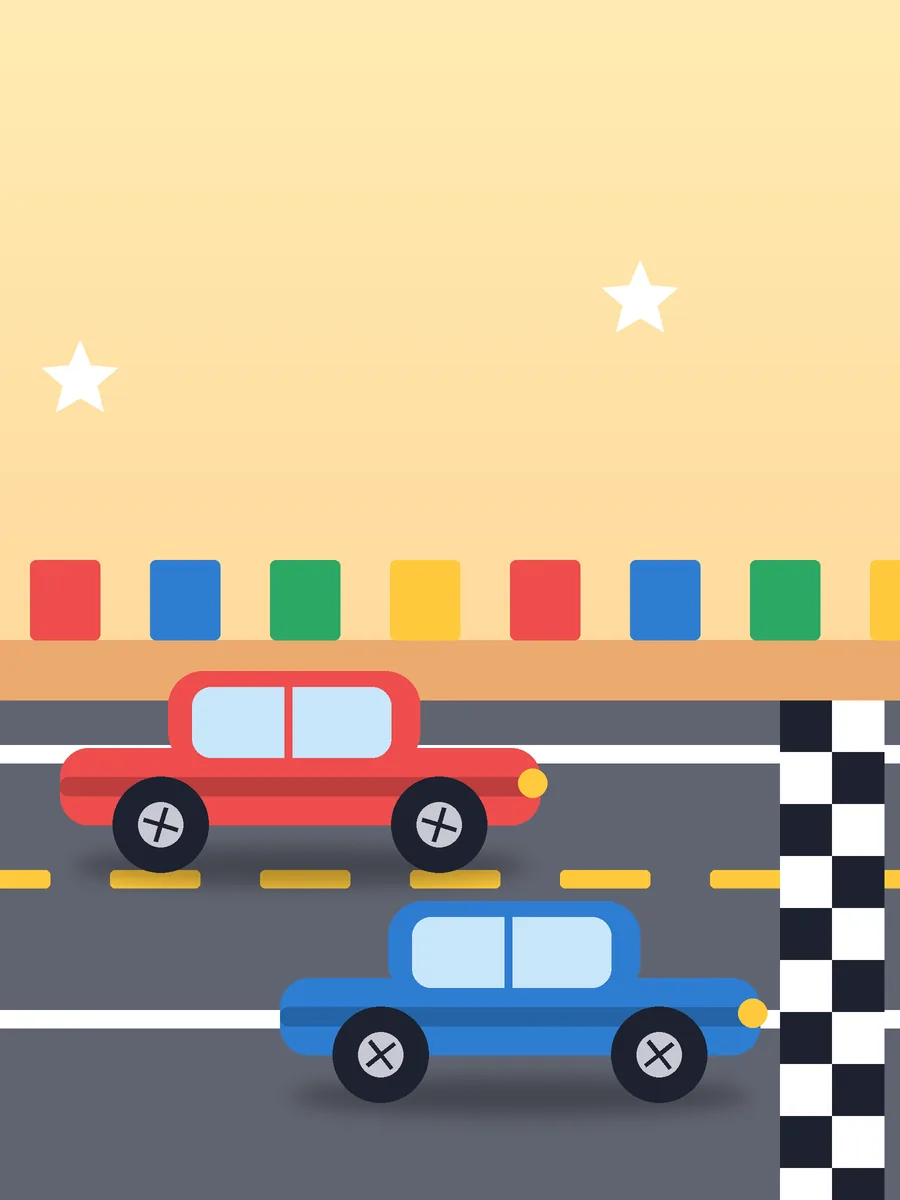
  • Illustrated poster: a red and a blue toy car racing on a track toward a checkered finish line

    Now showing

    Toy Races

    Two little cars. One checkered finish line.
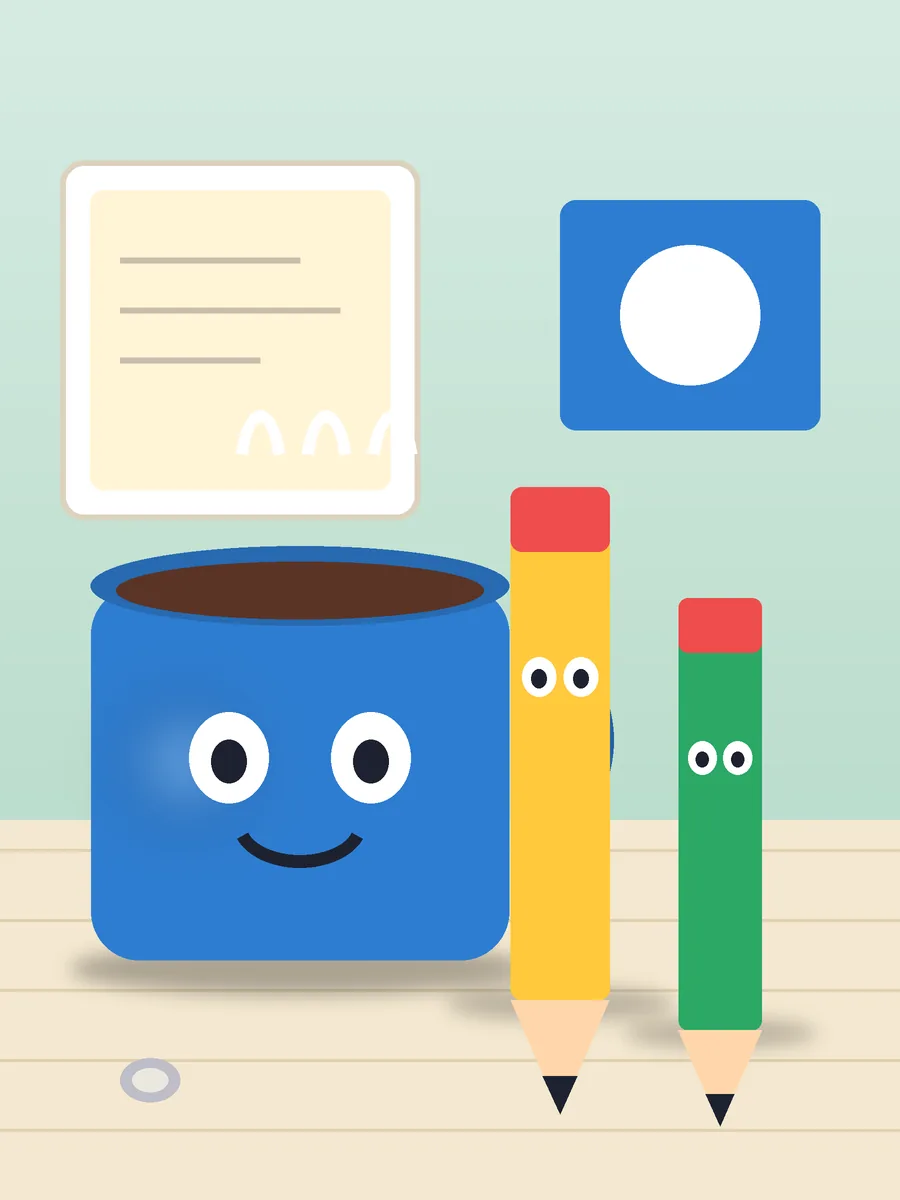
  • Illustrated poster: a smiling blue mug beside two pencils with faces on a desk

    Now showing

    Everyday Objects

    A mug, two pencils and a very dramatic desk.
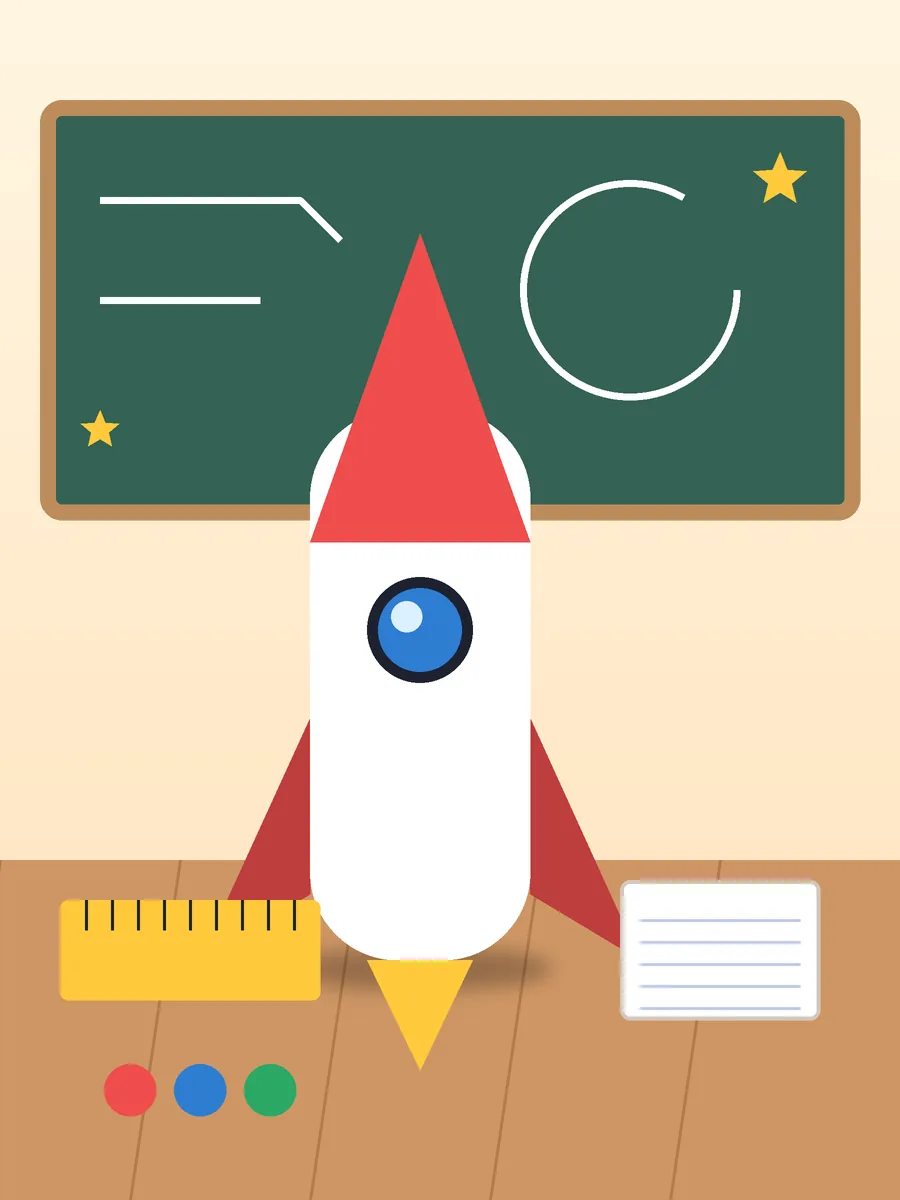
  • Illustrated poster: a paper-craft rocket on a classroom desk in front of a chalkboard

    Now showing

    School Projects

    Turn a paper rocket into a story with a beginning, middle and end.

Posters are original illustrations. LEGO is a trademark of the LEGO Group, which does not sponsor, authorize or endorse this app.

How it works

Your first movie in four simple steps.

  1. Illustrated toy figures arranged on a small set under studio lightsIllustration

    Step 1: Set the scene.

    Arrange toys, clay figures, or objects in front of your camera.

  2. Capture screen with the shutter button at the bottom
    Real app screen

    Step 2: Capture a frame.

    Take a photo of your scene.

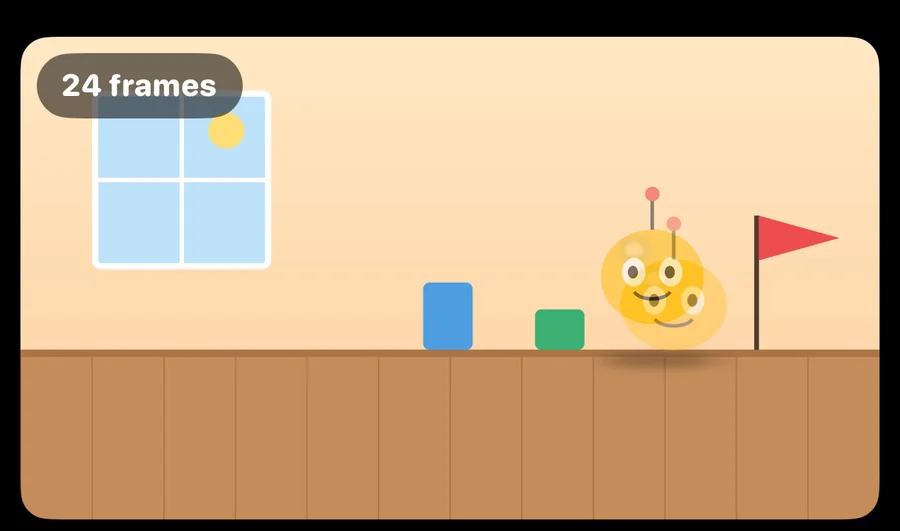
  3. Camera view where the previous frame appears as a faded ghost over the live view, so the toy can be lined up for the next move
    The faded picture is your last photo. Line up, nudge, tap.
    Real app screen

    Step 3: Move a little.

    Adjust your subject slightly and capture the next frame. Onion skin helps you see the previous position.
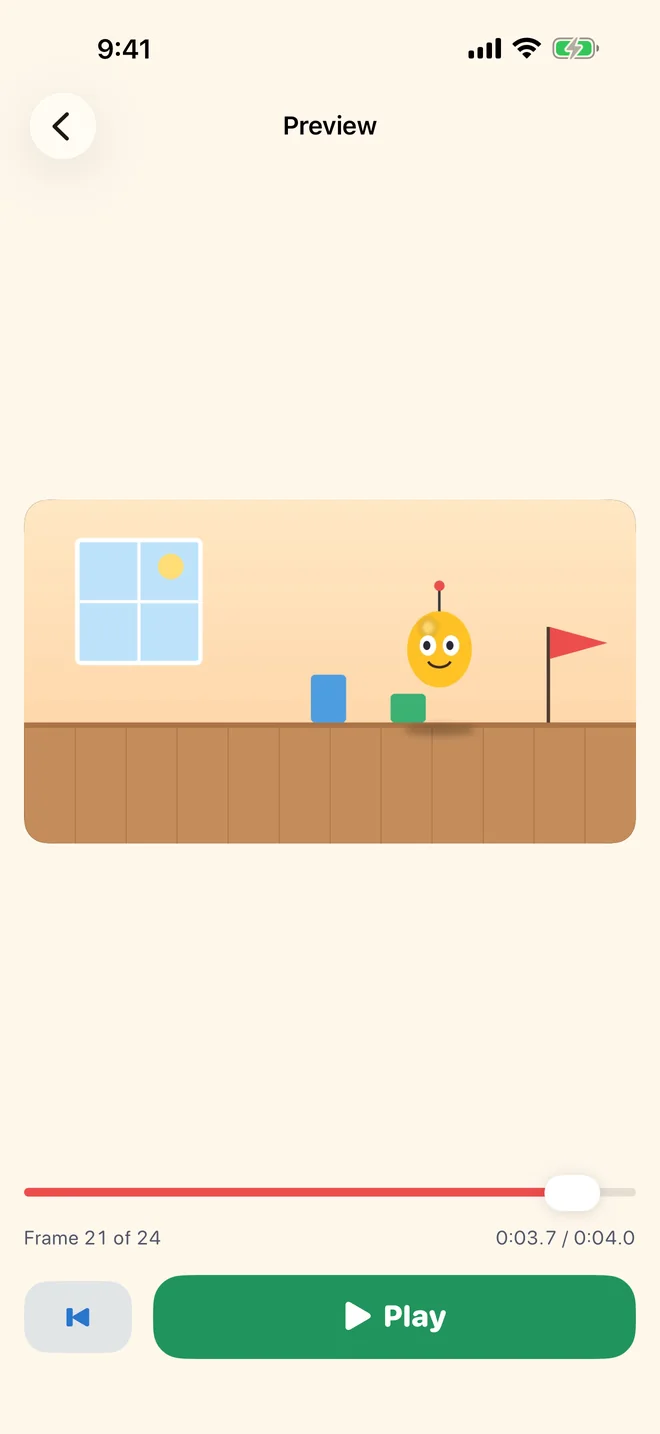
  4. Playback screen showing the animation with a timeline and a Play button
    Real app screen

    Step 4: Watch it come alive.

    Preview the animation and export your finished movie.

Features

Everything you need to bring a story to life.

Every picture below is a crop of the real app.
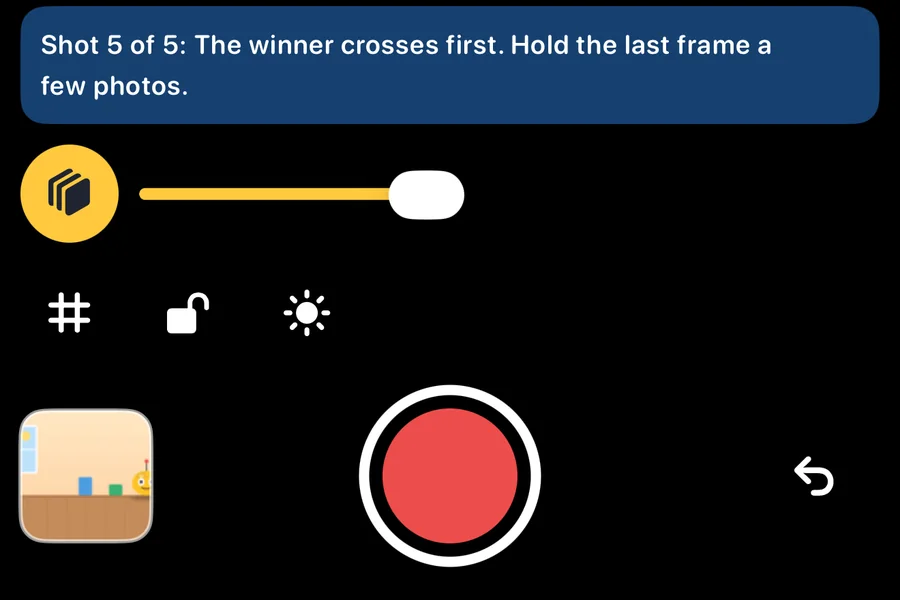
  • Camera controls: onion skin toggle, grid, lock, brightness and the large shutter button

    Frame-by-frame capture

    Tap once per photo with a big shutter, a grid, torch and focus lock.

  • Live view with a translucent ghost of the previous frame

    Onion-skin overlay

    See your last frame faded over the live view, then nudge with confidence.
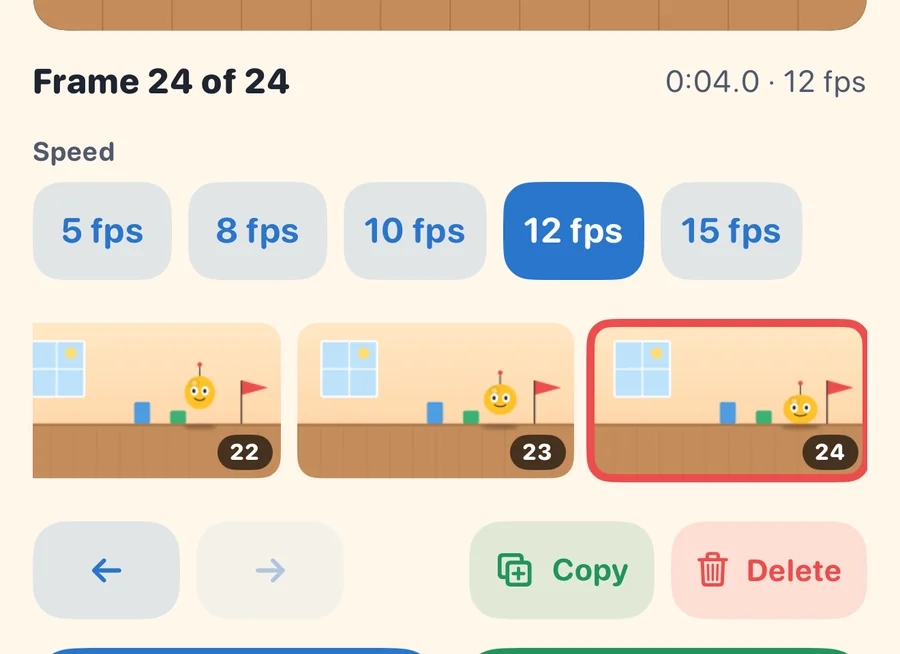
  • Frame timeline with thumbnails, speed choices and copy and delete buttons

    Easy frame timeline

    Reorder, copy or delete frames and undo any mistake.
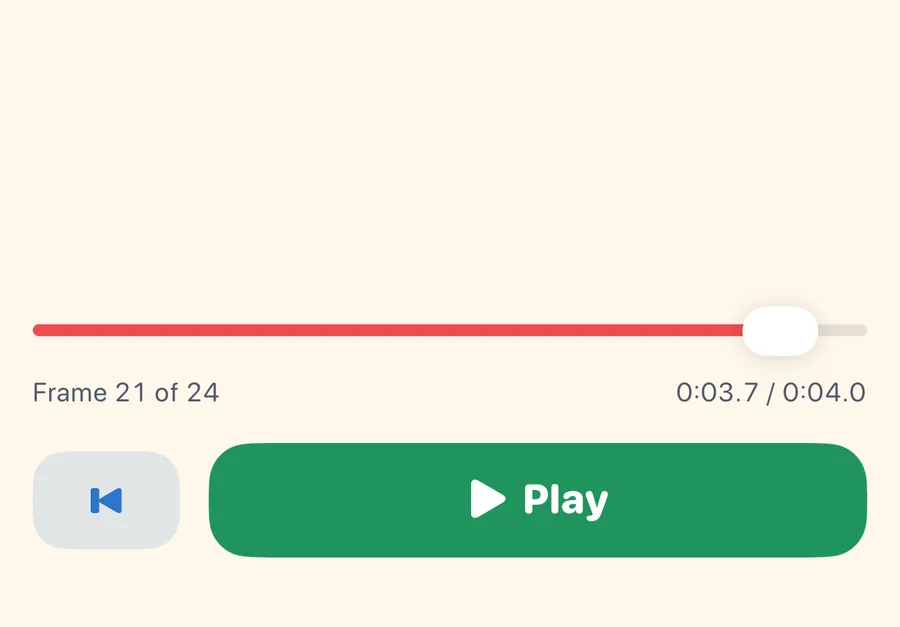
  • Preview timeline with a scrubber, frame counter and Play button

    Instant playback preview

    Watch at 5 to 15 frames per second, or scrub to any frame.
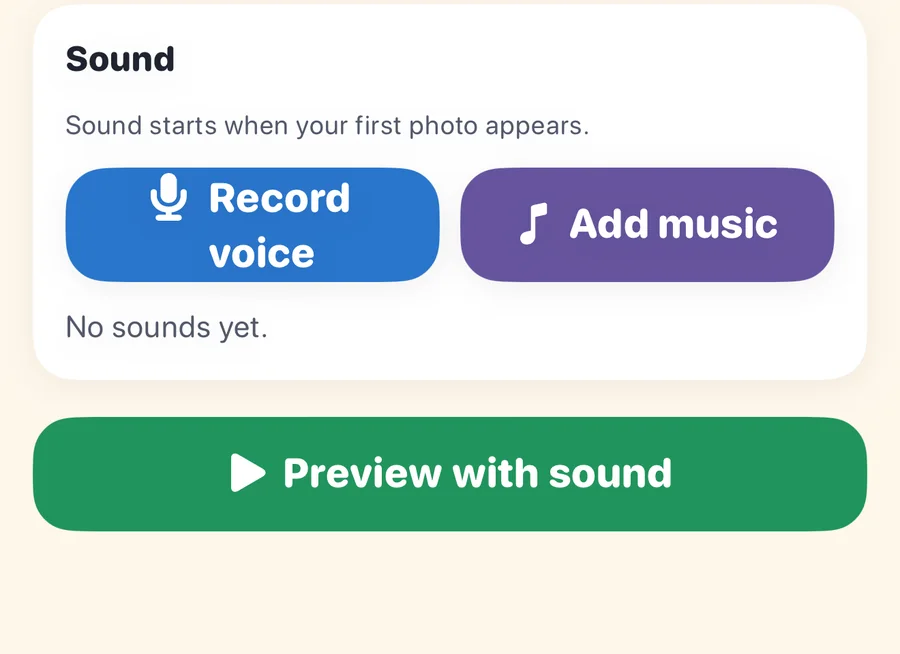
  • Sound section with Record voice and Add music buttons

    Voice narration and sound

    Record your voice or add a music file, and set the volume.
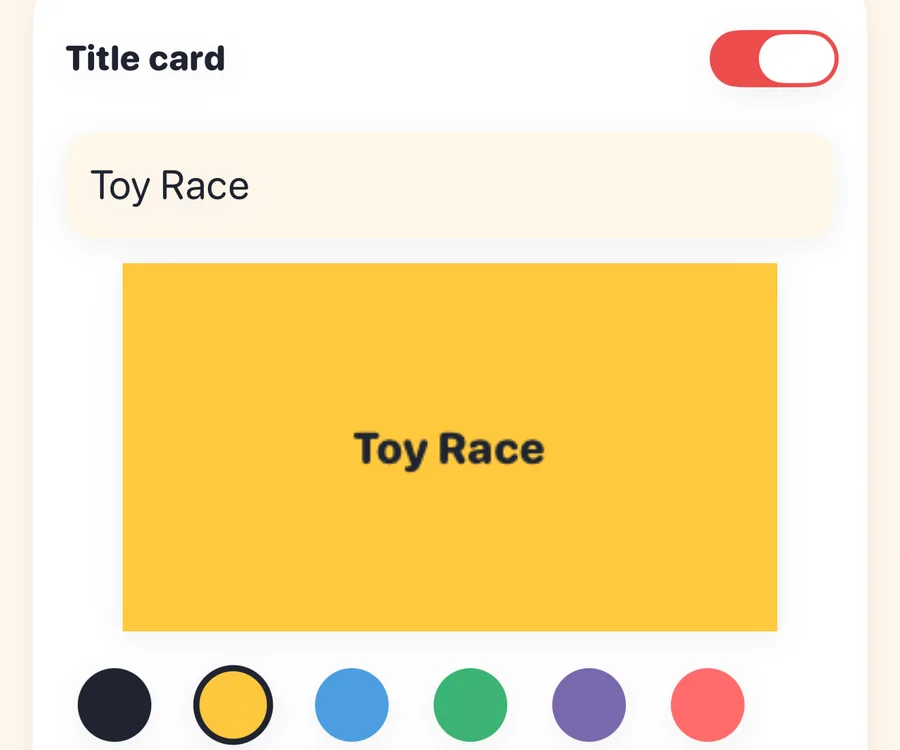
  • Title card editor with a yellow title card preview and color choices

    Titles and storytelling

    Open with a title card in the color you choose.
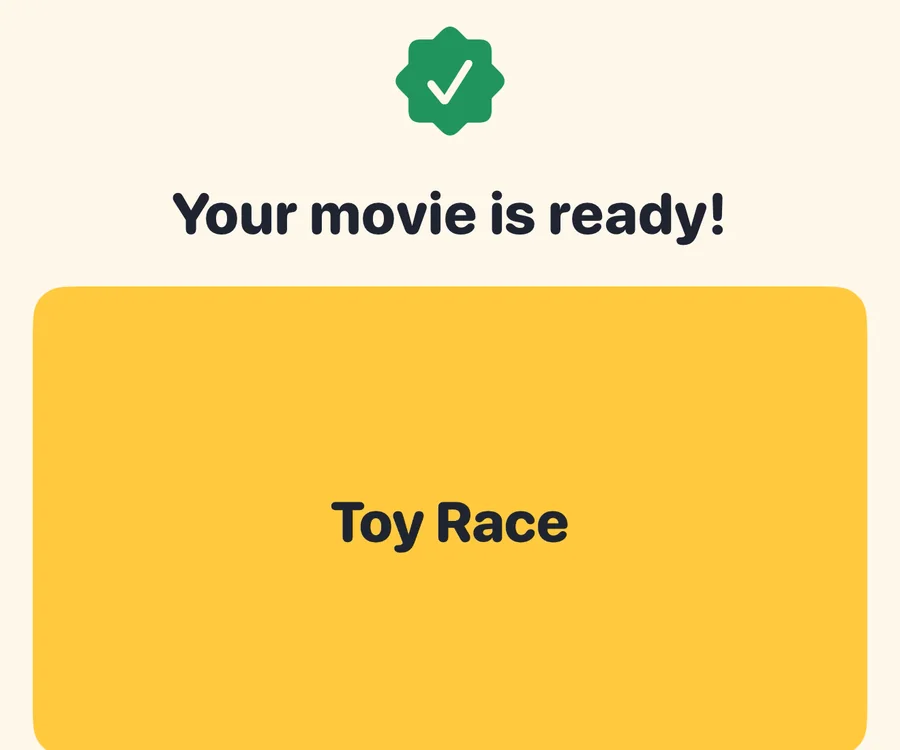
  • Finished movie screen with Save and Share buttons

    Export and share

    Make an MP4 in 720p or 1080p, then save it or share it.
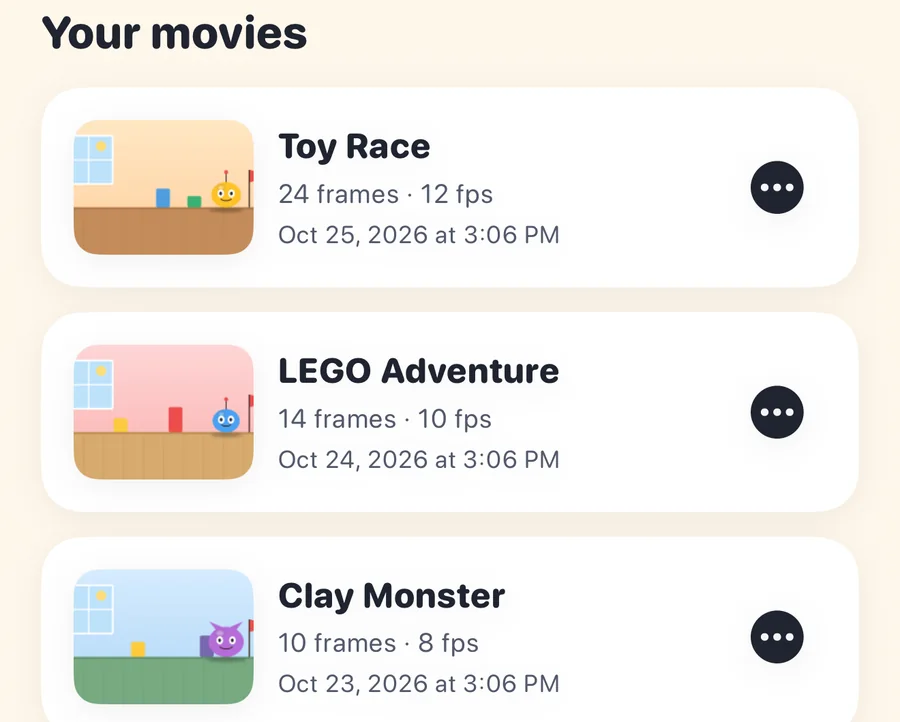
  • Home screen listing saved movies with thumbnails, frame counts and dates

    Local project storage

    Your movies live on your device. Close the app, come back later, and pick up exactly where you left off.

See it move

Six still frames. One tiny adventure.

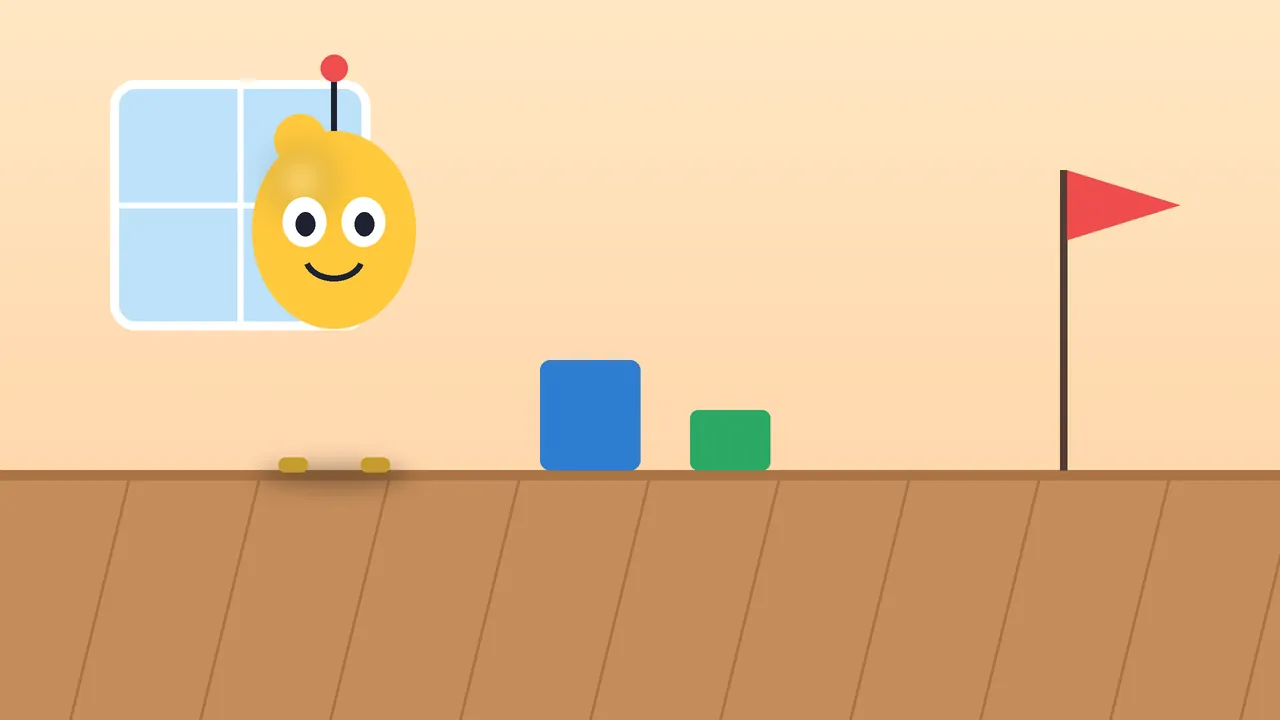
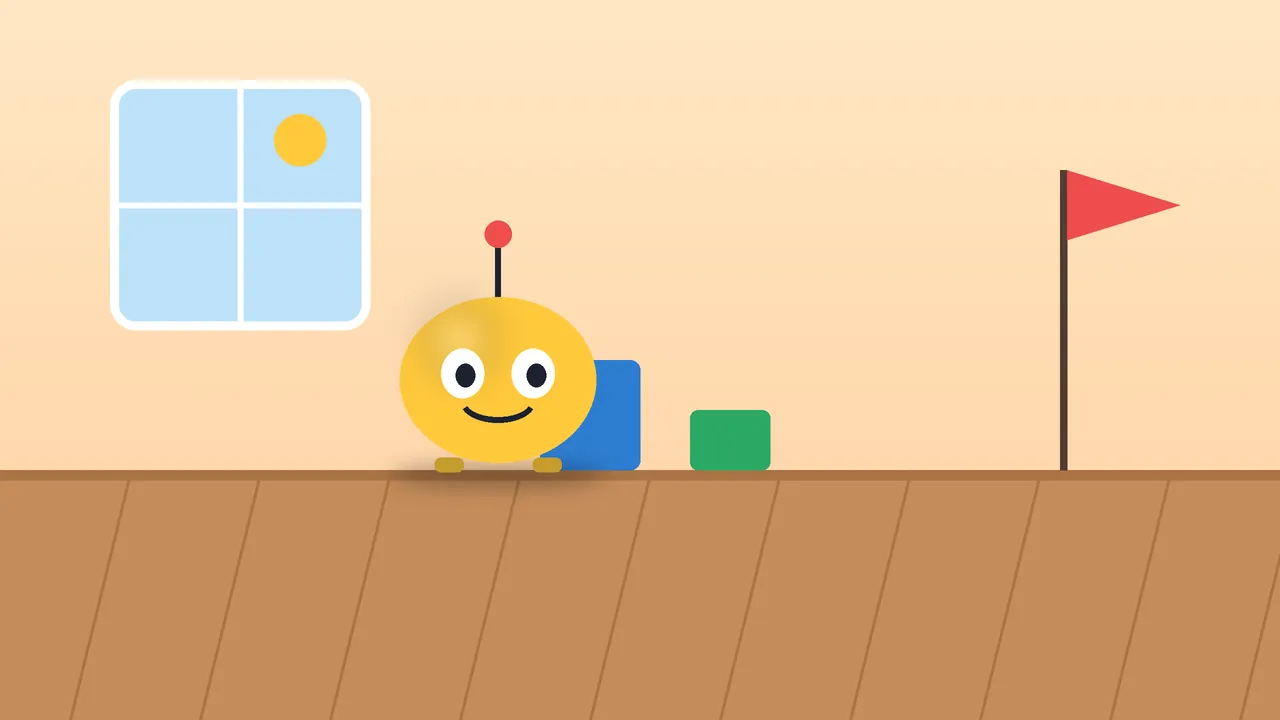
A stop-motion movie is just a stack of photos where something moves a little each time. Drag the slider, tap a frame, or press play.
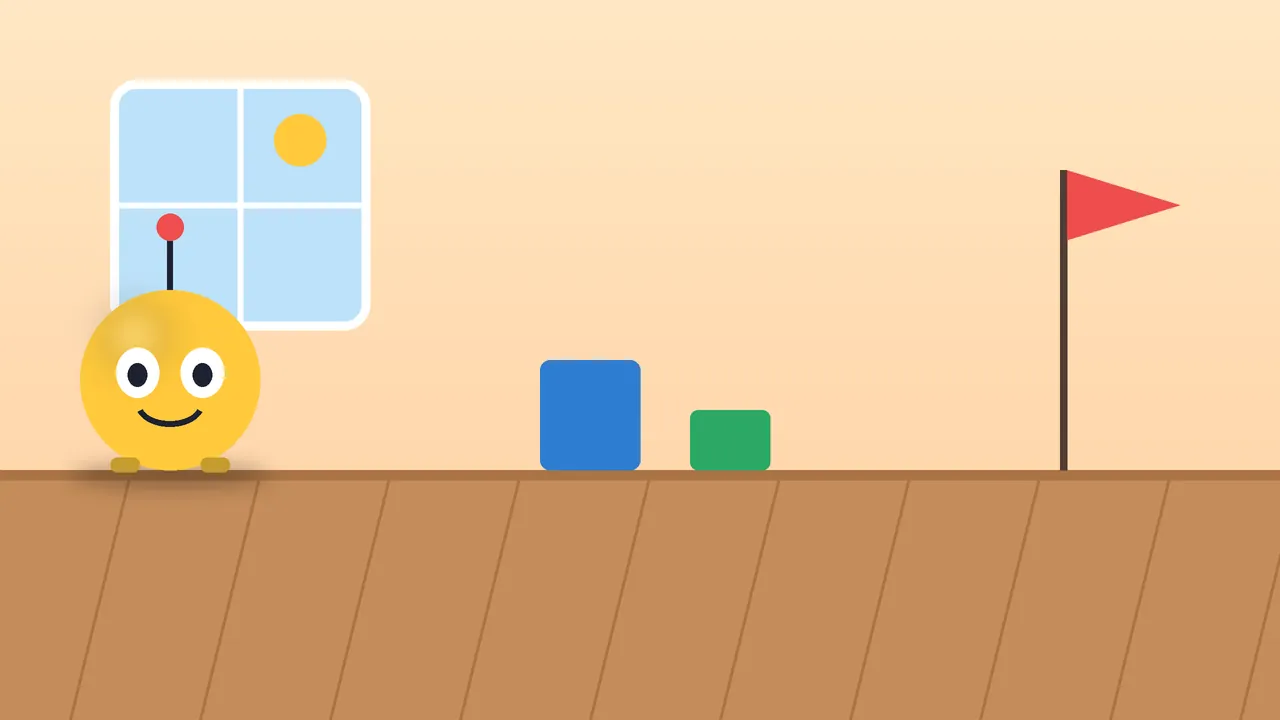
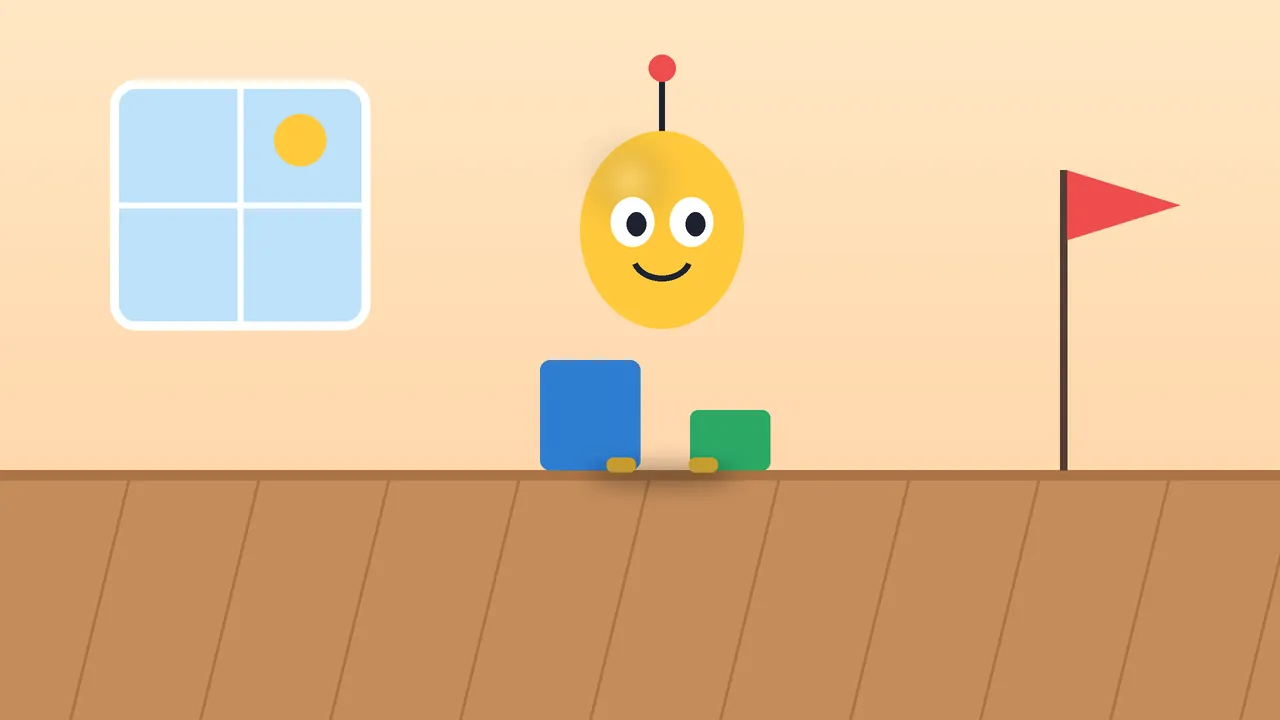
The round yellow robot toy waits at the start of the table

Frame 1 of 6

Illustration made for this page, not a screen recording of the app.

For families, kids and classrooms

Made for curious minds and creative families.

  • Families

    Make a rainy afternoon into a tiny film studio.

  • Young creators

    Turn favorite toys into characters and invent original stories.

  • Teachers

    Explore storytelling, sequencing, patience, and creativity through animation.

Simple by design

Your story. Your device. Your imagination.

Stop Motion Maker is designed so you can make movies without signing up for an online service. It asks for the camera to take your photos, and for the microphone only when you tap Record.

  • No account required

    Open the app and start filming. There is nothing to sign up for.

  • Projects stay on your device

    Photos, sounds and movies are stored locally. Nothing is uploaded unless you choose to share a finished movie.

  • No subscription

    One purchase. No recurring fees and no in-app upsells.

  • No ads

    No advertising, and no analytics or tracking tools in the app.

Get the app

Everything you need to start making movies.

$5.99

One-time purchase

One payment. No subscription. No ads.

  • Every feature included
  • iOS and Android
  • No account needed

Launching soon

$5.99 is the planned US price on Google Play. Prices vary by country and are set by each store.

FAQ

Questions, answered.

  • Stop-motion is a way of making movies from still photos. You take a picture, move your subject a tiny bit, take another, and repeat. Played back quickly, the photos make your toys look like they are moving on their own.

Ready, set, animate!

Your toys have stories to tell. Make the first frame today.
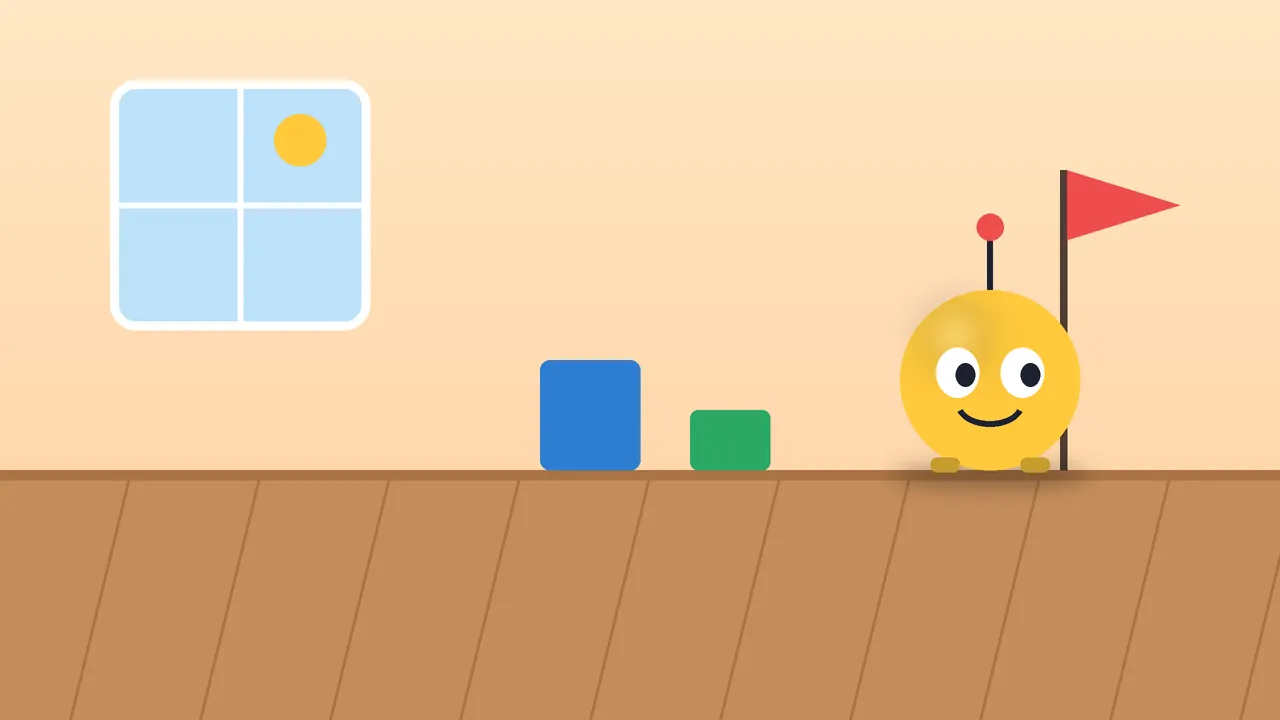
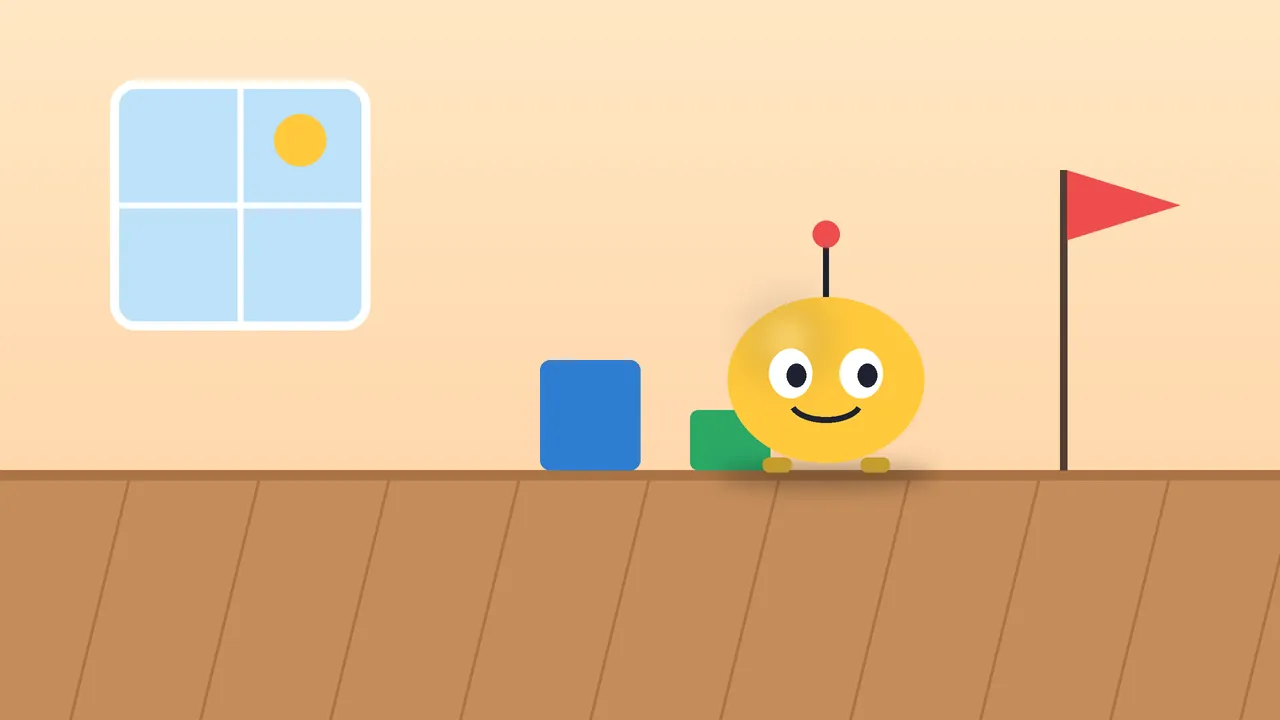
Illustrated toy robot reaching a red finish flag on a miniature set